Up
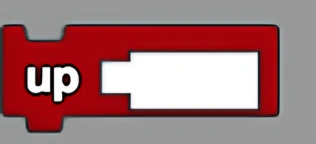
Moves up by a specified number of steps.
Description
The Up block will move any agent upwards in the "z" direction by the number of steps specified. This is a code block part of the Movement drawer.
Usage
Will move any agent upwards in the "z" direction by the number of steps specified.
Syntax
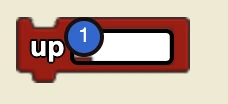
Inputs in this block:
- A number (number of steps to move up)
Example
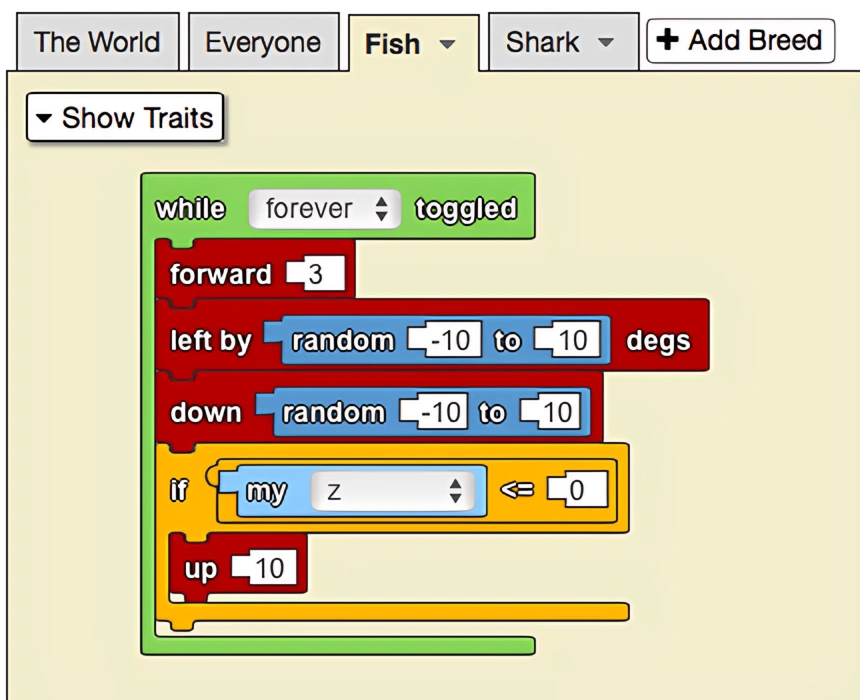
The up block is useful to take advantage of the 3D features of StarLogo. By adding the up block, we create a more realistic model of predator-prey interactions and fish movement. To enable random vertical movement and keep all fish above ground, fish who fall below the valid range of z values are automatically raised above ground in the final if statement.
Notes
The Up block moves agents in the positive z direction in 3D space. Be careful to keep agents within valid z coordinates.
Related Blocks
- Down - Move down specified steps